How secure is your website really?
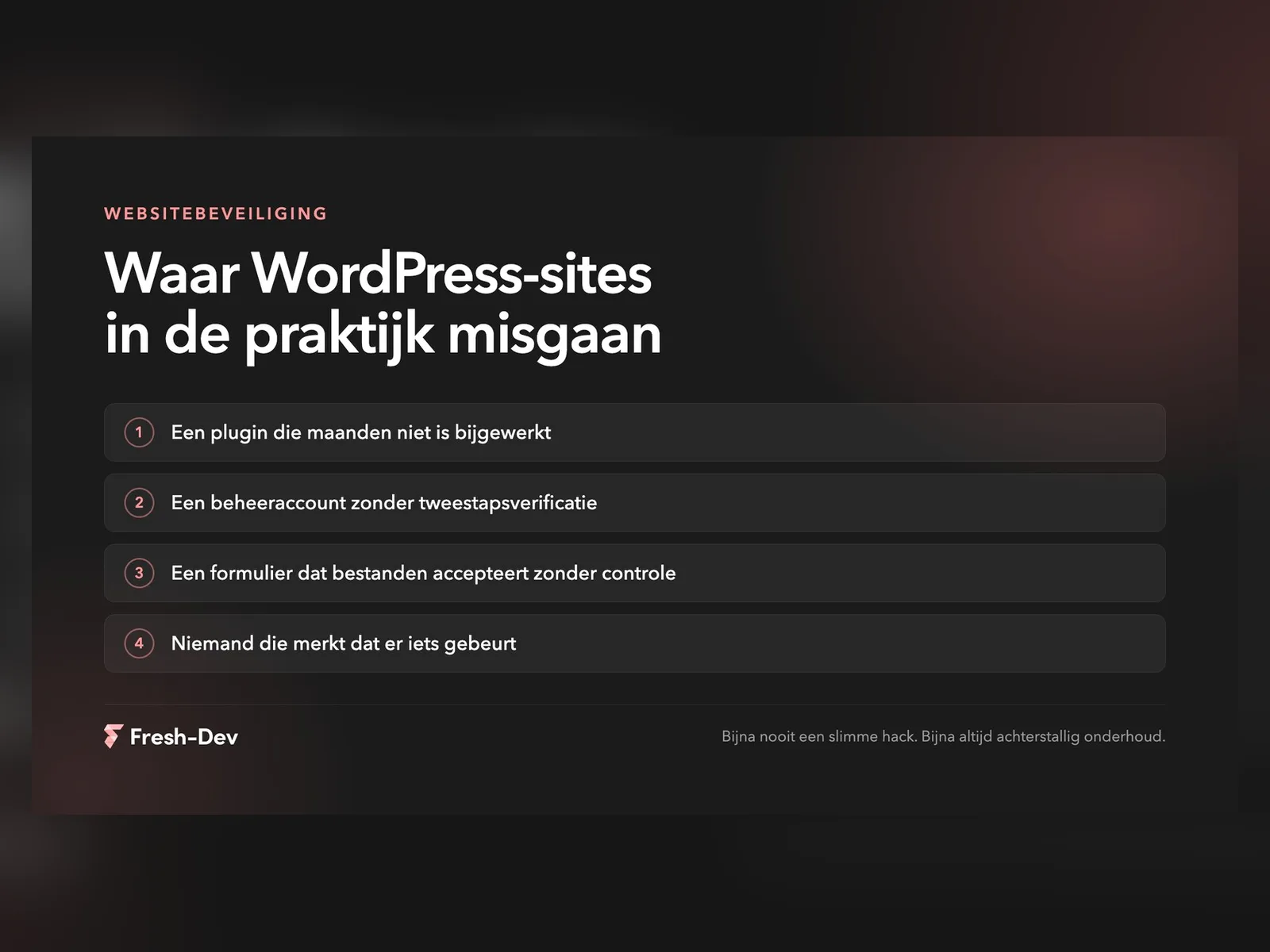
The image of the hacker as a genius in a dark room is rarely accurate. In the sites we clean up or take over, it is almost never a clever attack. It is a plugin that hasn't been updated for six months, an administrator account that still belongs to an agency that has left, or a form that accepts whatever is thrown at it.
That is actually good news, because it also means you don't have to become a security expert to do something about it. Securing WordPress is about a handful of things that you keep up with consistently.
In short:
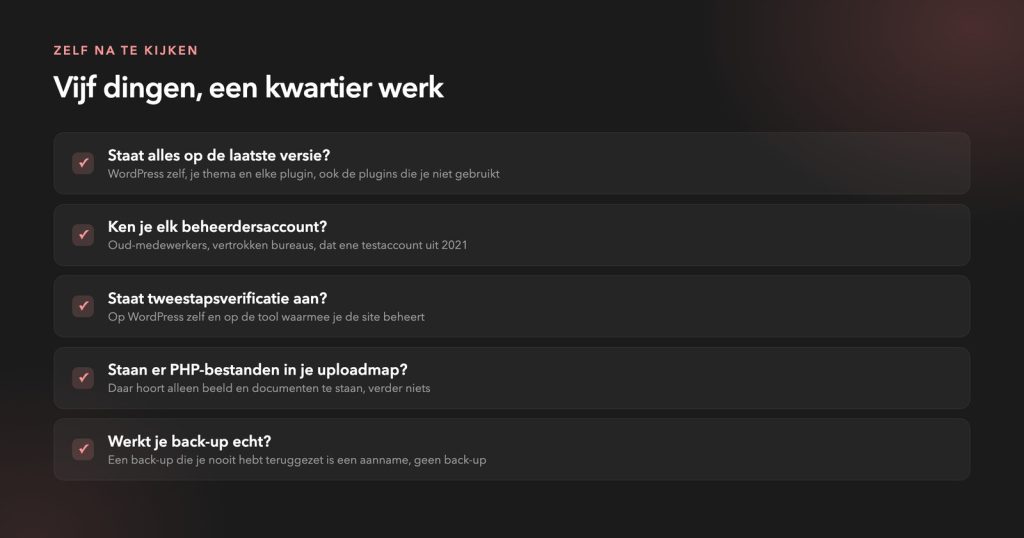
- Updates are not an afterthought. Outdated plugins are by far the most common entry point we encounter.
- Turn on two-step verification, including for the tool you use to manage your sites. Things go wrong there just as often as on the site itself.
- Clean up administrator accounts that you can no longer allocate.
- Test your backup properly for once. A backup you have never restored is an assumption.
- Make sure someone looks along with you. A hacked site is almost always silent.
In this article:
Why it is almost never a clever hack
The leaks that matter in practice have been on the same lists for years: outdated software, weak authentication, unvalidated input. They are still there because they still work.
Among a series of sites that we recently cleaned up, the entry point wasn't even in the site itself. The administrator account of the party that did the maintenance had been compromised, and from that tool multiple sites were modified simultaneously. Those sites were not technically worse than average. The key was simply kept outside the door.
That is the pattern. No ingenious attack on your site, but someone automating a known vulnerability across thousands of sites. You are seldom singled out personally, and that doesn't make it any less annoying when you are caught up in it.
Updates are not an afterthought
Of everything you can do for security, updating yields the most for the least effort. Almost every vulnerability we encounter had already been patched by the creator long before it was exploited. Just not on that site.
A recent example: in August, Elementor patched a vulnerability in the upload field of their forms block. The fix was available within a day, and updating took two minutes. We wrote about exactly where the issue was and how to check whether you’re running it yourself, in this blog about the Elementor Pro vulnerability.
Three things that help with that:
- Turn on automatic updates for everything that is not bespoke. For the rest: record who maintains it and when.
- Bin what you don't use. A deactivated plugin that stays on the server is still code on your site.
- Test major updates on a staging environment first. That is precisely why a good hosting setup has one.
The foundations you sort out today
Start with the entrance, as that is where most of the gains are to be made in practice.
- Two-step verification on your WordPress management and on everything that goes with it: your hosting, your domain management, your maintenance tool. The latter is almost always forgotten.
- Unique passwords from a password manager. If an administrator reuses the same password as on a leaked service, your site is only as strong as that other service.
- Roles that add up. Not everyone needs to be an administrator. An editor who only updates text doesn't need permissions to install plugins.
- HTTPS everywhere, with an automatic redirect. This is now standard practice, but we still regularly come across websites where the old HTTP version remains accessible.
And make sure that you notice if something happens. Error messages that arrive somewhere, uptime monitoring, a glance at your logs. Without that, your first signal is usually a customer calling.