AI automation

AI automation for processes that are currently carried out manually

Requests that first need to be read by someone or PDFs that need to be typed up. We automate tasks like that, combined with the systems you already use. Where it helps, we use AI.

Your systems

Linked to what you already use

Insight

You can look back at every step

First one process

Start small, then move on

Fixed point of contact

You switch immediately with Jesse

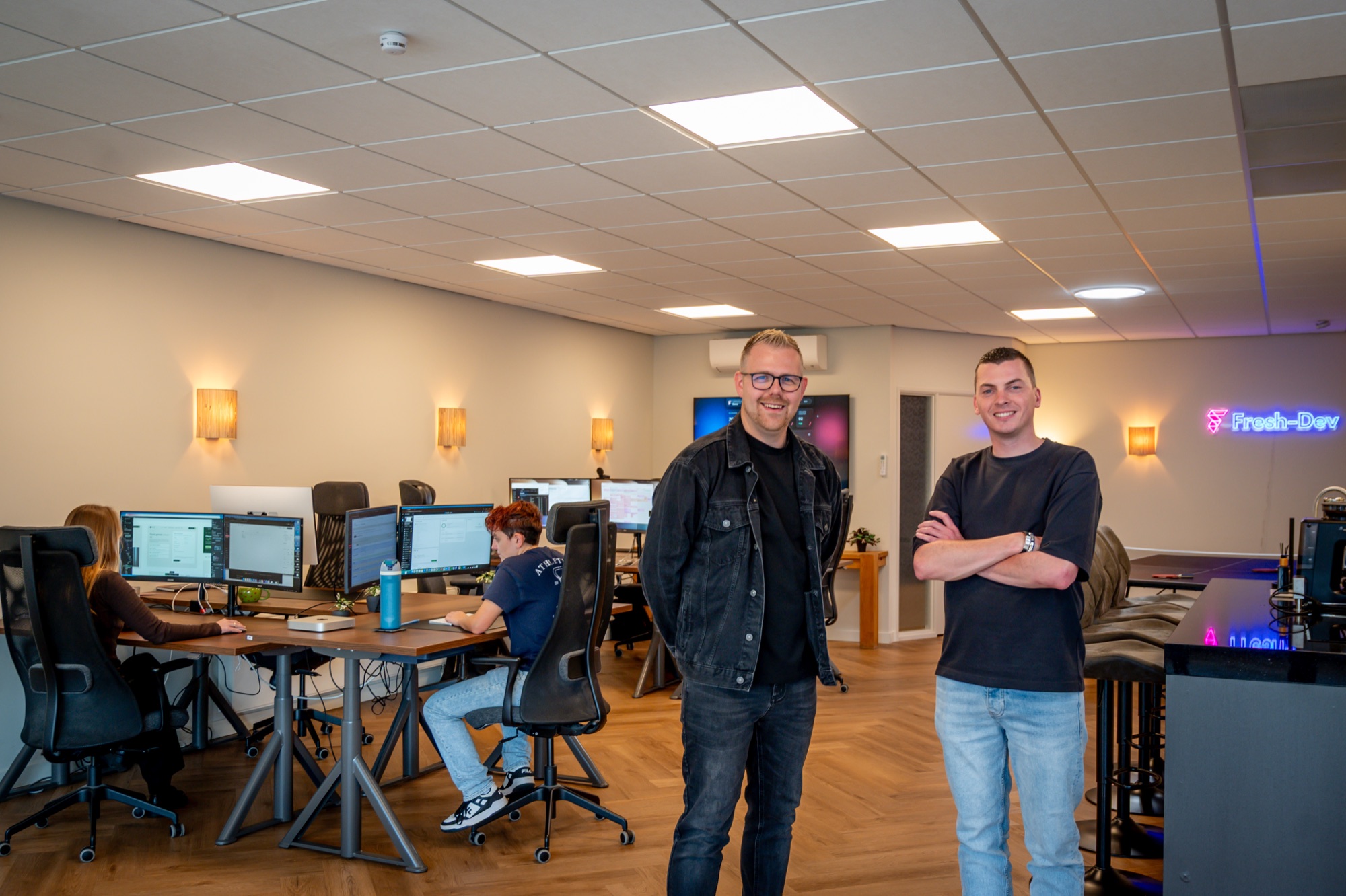
Jesse Lafeber and Davey van Putten from Fresh-Dev

Fixed steps automatically, AI where it adds something

Most manual work consists of fixed steps, and we automate those. If something needs to be read or written along the way, such as summarizing an email or extracting data from a PDF, we use AI for that. This way, AI remains limited to the area where it really adds something.

You decide which steps are automatically initiated.

We connect it to your mailbox, CRM, accounting system or planning system.

You can look back on every step afterwards.

First one process is good, then the next one.

What we build

Automating business processes usually starts with one process that everyone on the team recognizes as manual work. We choose the technology for that process, not the other way around.

Automations

Automating routine steps

An automation takes a fixed set of steps. Something comes in, it is added to or converted and moves on to the next system. Often we build that with n8n, a tool for automation. If it runs on a dedicated server, you don't pay per task performed.

What it can contain
  • On a private server or in the cloud
  • Every step can be reviewed later
  • An error message if a step fails
  • Also by taking over from another party
AI agents

Have an AI agent built

An AI agent is an automation that makes some of its own decisions, for example about which category a question falls into or what information should be included. We set fixed limits on that.

What it can contain
  • Summarizing and writing a concept
  • Works with your own documents and agreements
  • AI that fits the task and your data
  • A proposal with the source included, so you can check it out
Links

Connections with your existing systems

AI is of little use if someone still has to manually input the results later on. That’s why we link the automation to the place where the work is already being done. If a link is critical or heavily loaded, we build it as our own code instead of in an automation tool.

What it can contain
  • Mail, forms and your CRM
  • Accounting, for example Moneybird
  • Shared folders and document storage
  • Each system with its own API
More about connections

Examples of processes

We often encounter these processes. If you recognize one of them, that is often a good first process to start with.

01.

An application arrives

An application via your form or email is summarized: who is it and what does the person want? A draft answer is ready in your mailbox or CRM. Someone from your team adapts it and sends it themselves.

02.

Reading documents

Invoices, packing slips, quotes, or completed forms as a PDF. The automation extracts the data you need and prepares it for your accounting. If the AI is unsure about a field, the document is sent to a colleague instead of being passed on inadvertently.

03.

Reports without Excel on Mondays

Figures from your accounting or planning system come together in a single overview every week, with a brief explanation in plain language about what stands out. The figures come directly from the source. The AI only writes the explanation.

04.

That's how we do it ourselves

We also automate our own work. Blog concepts are created as concepts on our website via an automation system. Our AI checker There is also such an application, only it runs publicly.

This is how a process works

First one process, then the next thing

1

Conversation with Jesse

Jesse is your point of contact. In the initial conversation, whether in our office in Haarlem or online, we look at one process: what comes in and who is now involved in it? After that, you’ll hear whether automation makes sense and what it will cost.

2

Drawing with real examples

We are drawing up the automation. You provide us with a few real examples, such as old applications or documents. This way we can test what actually comes in from you.

3

Building and running alongside current work

We build the automation and let it run alongside how things are going right now. You see what it does before anyone trusts it.

4

Live broadcasting

If the automation does what it’s supposed to do, we put it live and stop the double work.

5

Adjusting and moving on

In the first few weeks, we focus on what the people who work with it see. Then, together, we look at whether there is a next process that is worth picking up on.

Sometimes you don't need AI

Many manual processes follow a fixed rule: when this comes in, place it there. No AI is needed for that. A simple link is then cheaper and more predictable, and we mention that in the initial conversation. If a customer portal or a custom web application is needed to go with it, check out Create a platform.

Frequently asked questions about AI automation

You are letting part of a process that is currently done manually be done by software. For the steps that involve reading or writing, we use AI. Think of summarizing an application or extracting the data from a PDF.

An automation follows steps that you define in advance. An AI agent can make a few choices within this framework, for example which information it looks for or which category a question falls into. Usually we combine them: the fixed steps automatically and AI only where it adds something.

We agree on this per process before we build anything. We look at which data the AI really needs and leave out the rest. The automation can run on its own server, so the steps and logs are not kept by an external service. For the AI, we choose a provider with whom you can sign a processor agreement.

That depends on the process and the number of systems that are involved. After the initial consultation, you will receive a price quote. In addition to the build, there are monthly costs for the server and the use of the AI. We will calculate those in advance with you, so you won’t be surprised later on.

For a simple step between two tools, a standard tool is often enough. It costs little at the start and then €20 to €100 per month thereafter. A custom link is better if the process is critical, if it involves a lot of volume or if you need error handling and logging. We also use such a standard tool ourselves for our own site.

Schedule a meeting with Jesse

Vertel welk proces je wilt aanpakken

Leave your details, and Jesse will contact you for a brief discussion about the process and the systems you use. After that, you’ll hear whether automation makes sense and you’ll receive a price quote.

4.8/5 Google Reviews Free and without obligation
This field is for validation purposes and should be left unchanged.

Quick response time, personal response